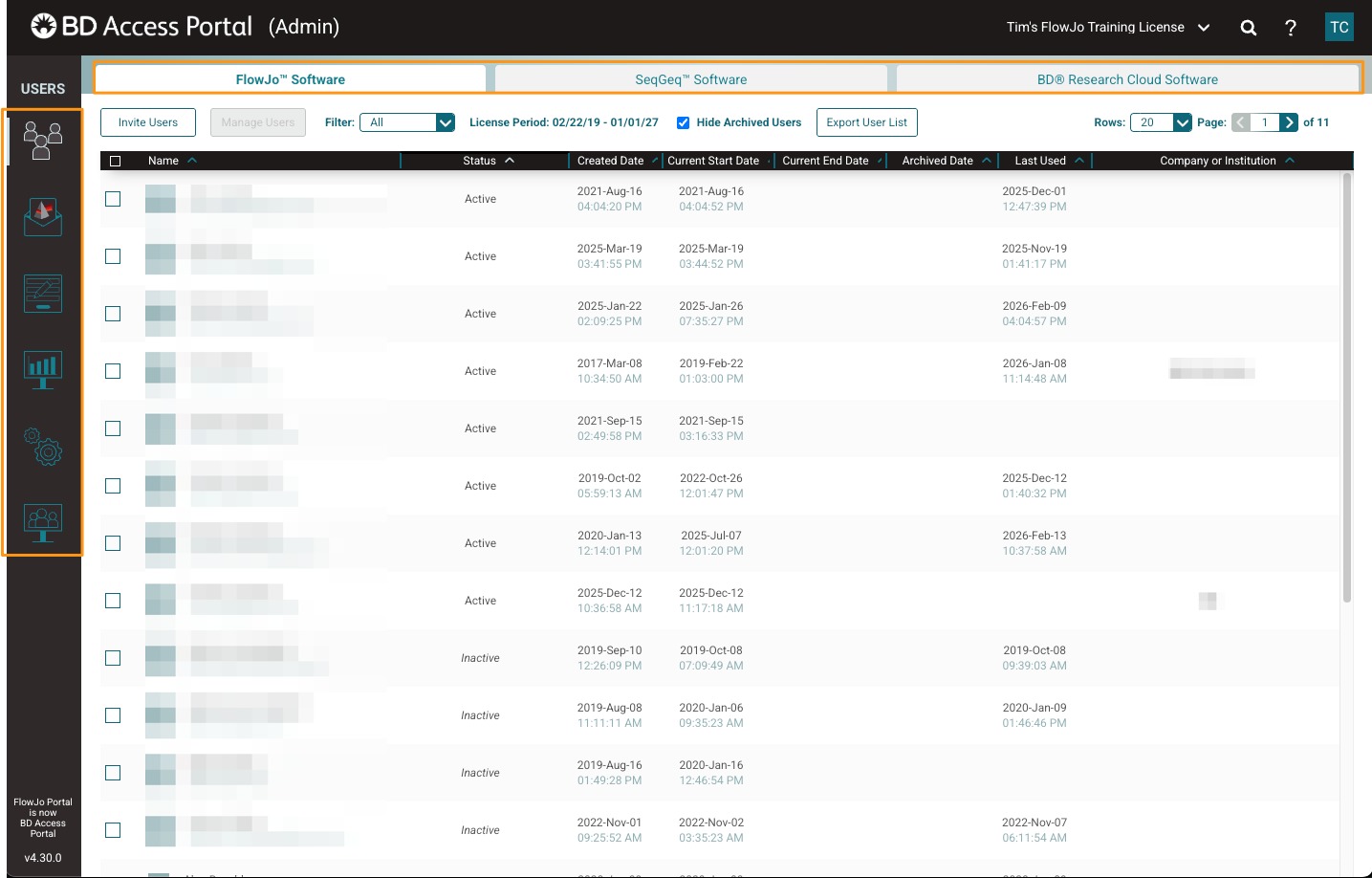
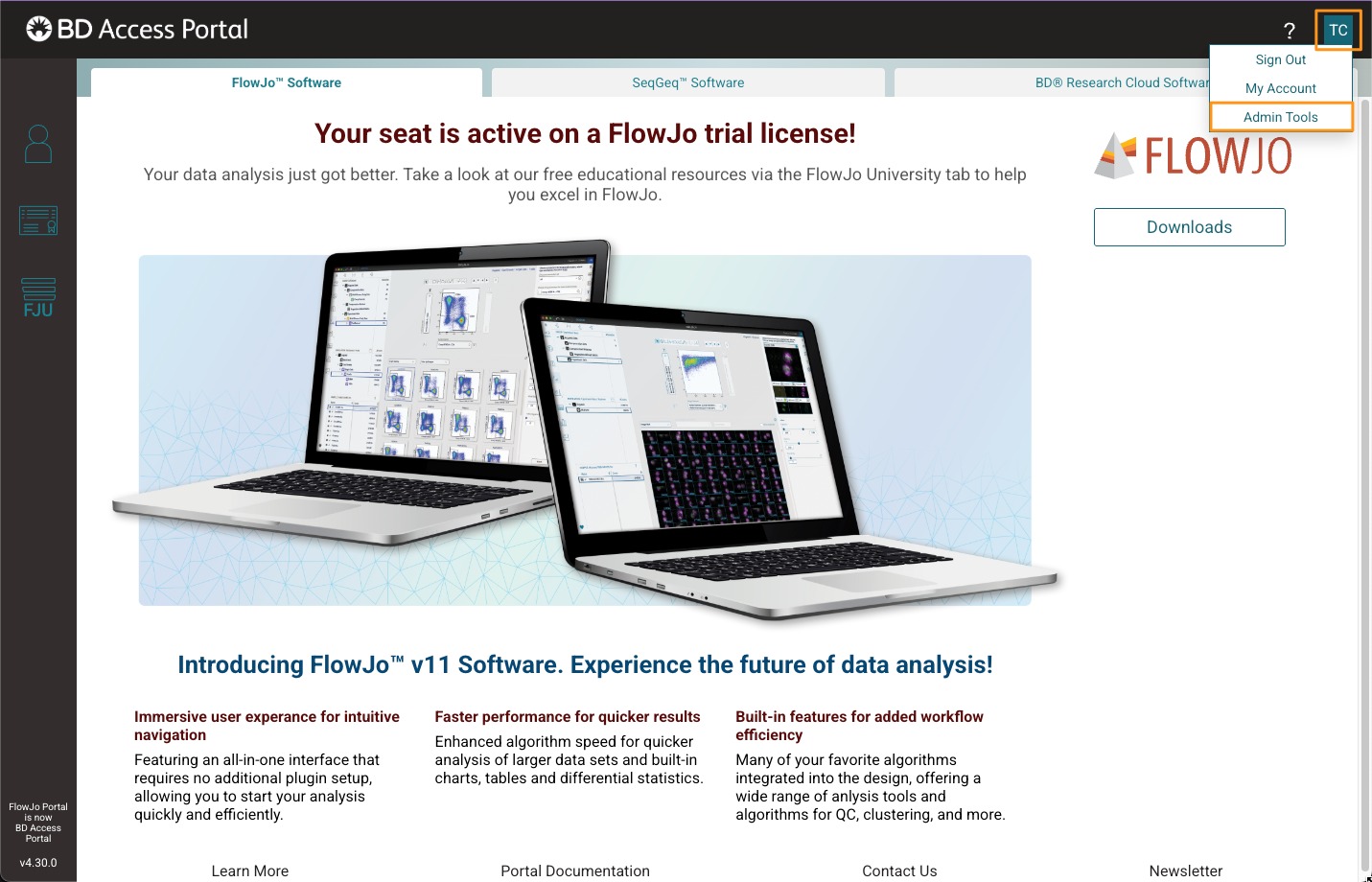
Sign in to your BD Access Portal account at bdaccessportal.com. Click your avatar in the upper-right corner and select Admin Tools from the drop-down menu. This opens the administrative interface, where you can manage licenses and user access for the BD software products included in your portal. Use the tabs at the top of the page to switch between products.
A vertical toolbar on the left provides access to the available administration tools: Users, Invites, Custom Fields, Reports, Settings, and Shared Computers. The features and layout may vary slightly depending on the product selected.
- Sign in at bdaccessportal.com
- Click your avatar in the upper-right corner
- Select Admin Tools
Use:
- Top tabs to switch between products
- Left-side toolbar to access admin functions