
30 Day Free Trial!
Now Available for FlowJo™ v11 and BD Infinicyt™ Software
Activation Instructions:
- Sign in or create a BD Access Portal account to begin your free trial.
- If you do not already have an account, follow the account creation instructions available here
- Note: Be sure to verify the email address you used to create your account by clicking the link in the verification email.
- Activate your free trial.
- Log in to the BD Access Portal.
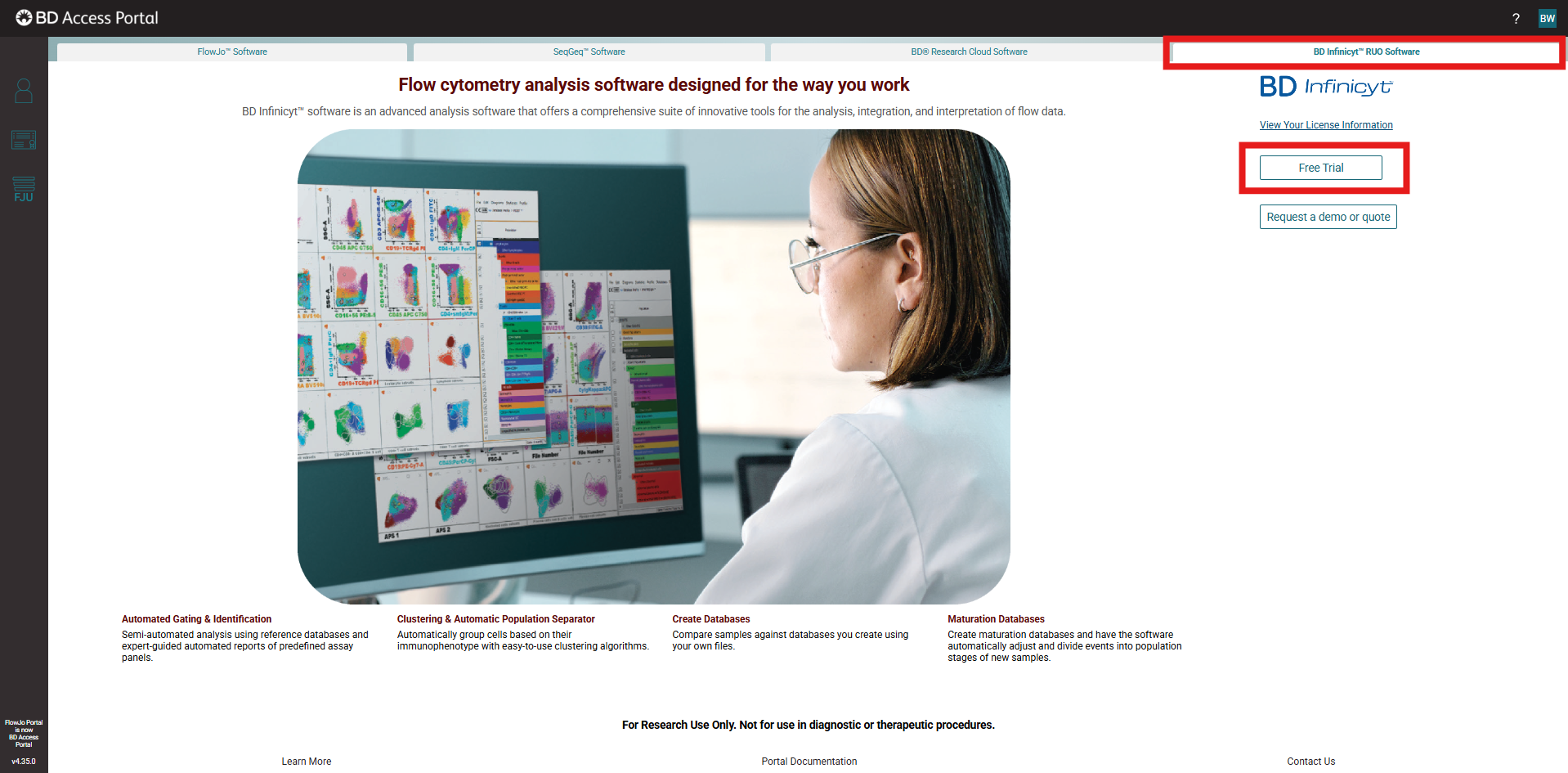
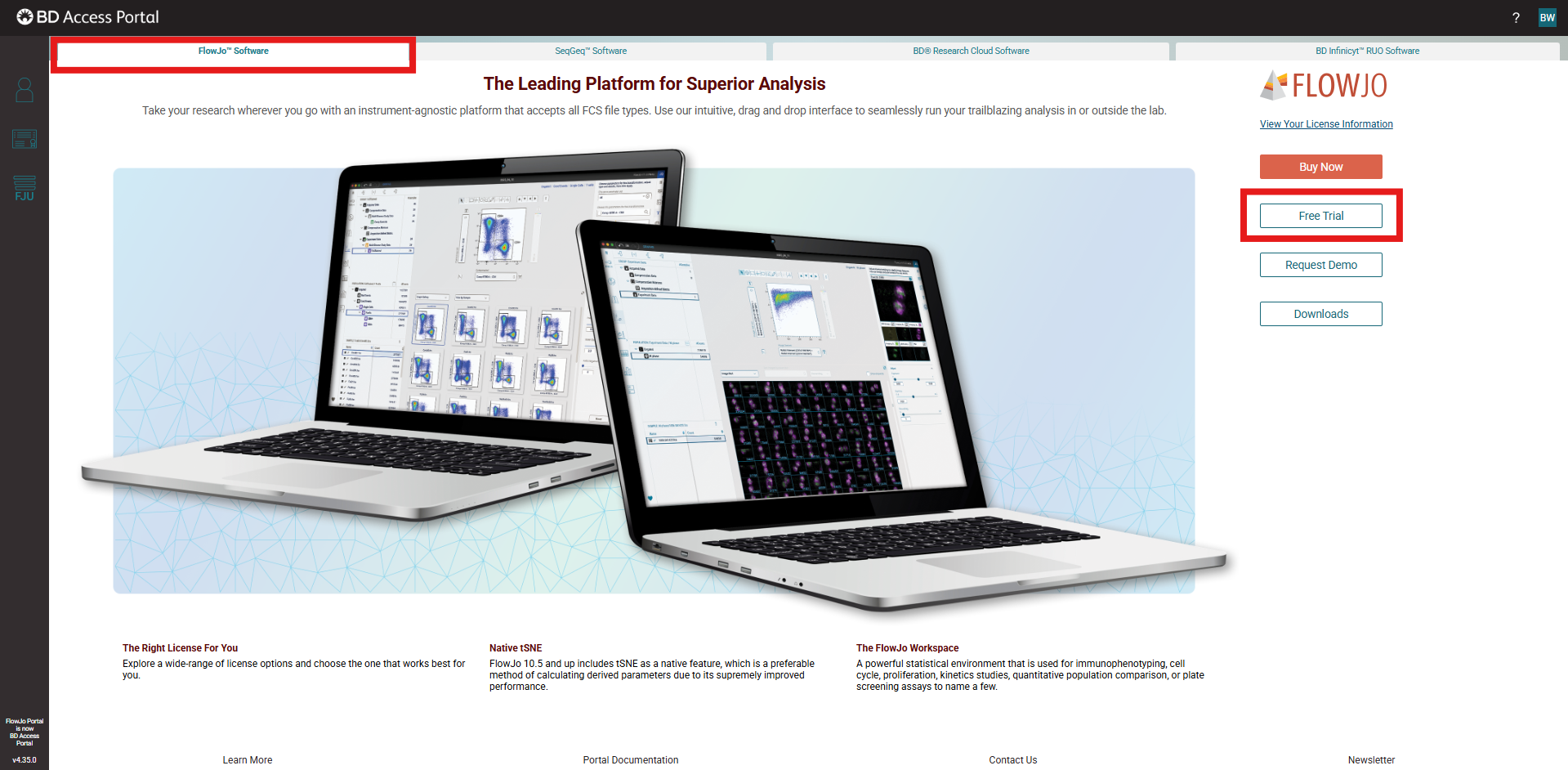
- Select the appropriate product tab at the top of the page (for example, FlowJo™ or BD Infinicyt™).
- Click the "Free Trial" button located on the right side of the screen.
- Complete and submit the trial request form.
- BD Infinicyt™:
- FlowJo™:
- BD Infinicyt™:
- Check your email for a confirmation message once your 30-day trial has been activated.
- Download and install the software.
- Use the download link provided in the confirmation email, or
- Log in to the BD Access Portal and access the available download links.
- Select the appropriate installer version and complete the installation.
- Launch the software.
- Sign in through the BD Access Portal client and start using your 30-day free trial.
- Purchase a license.
- At the end of the trial period, contact your Waters representative to obtain a quote and discuss licensing options.
Notes and Troubleshooting
- Portal accounts are free and used to manage subscriptions to any of the software supported by the Waters team.
- Trial licenses will be active for 30 days and will automatically expire at the end of the trial period.
- Trial licenses are limited to one trial per user account and/or hardware device.
- All trial licenses are provided for Research Use Only (RUO), not for use in diagnostic or therapeutic procedures.