
To add a header and/or footer to your layout or table when it is printed or output, select Edit Header/Footer from the Document band (for layouts) or the Clipboard band (for tables).

Check the box in the dialog to have FlowJo include either a header, a footer or both. Standard
HTML can be used for rich text, and images are supported.
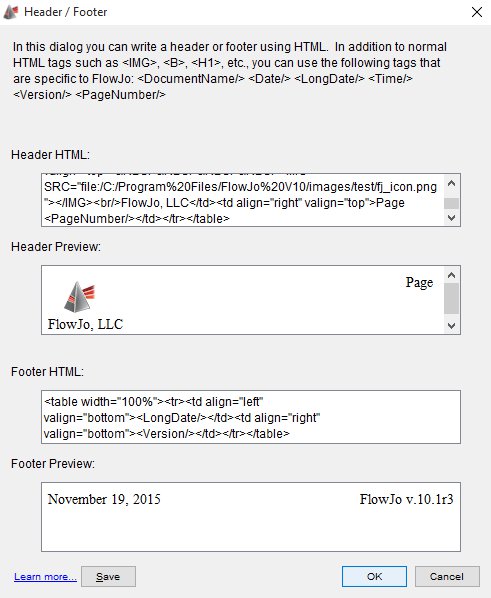
There are special tags:
- Adds the current date in the form mmm/dd/yyyy
- Includes the day of the week in the date.
- Includes the version of FlowJo in which the report is produced.
- Automatically numbers the pages of the report in the header/footer.
- Adds the total number of pages in the report.
The headers and footers are saved individually for each layout.